Skip to content
Jompom
ServicesAboutPricingBlogContact
Client portalGet started
ServicesAboutHow it worksPricingBlogContactClient portal
Hacked WordPress site? We fix it

We remove the malware. Your site comes back clean.

Our WordPress malware removal service cleans a hacked site from top to bottom: we back it up, scan every file and the database, remove the malware and the backdoors, close the hole the attackers used and send you a report. One fixed price, paid once.

Order a clean-up: $199 How it works
  • $199 fixed price, paid once
  • 2–6 hours usual first reply
  • 1 report for every task
Malware scanrunning
0threats found and removed in this example scan
    Illustration of a malware scan
    On this page
    • 01Signs of a hack
    • 02How it works
    • 03What’s included
    • 04Price
    • 05FAQ

    Signs your WordPress site has malware

    Malware often hides, so a hacked site can look normal to you while it attacks your visitors. If you notice any of these, act quickly: the longer malware stays, the more damage it does to your traffic and your name.

    • Strange redirects and pop-ups

      Visitors, often only on phones or when they come from Google, are sent to spam, scam or adult sites. You may never see it yourself when you’re logged in.

    • Google or your host warns you

      A “This site may be hacked” or “Deceptive site ahead” warning in search results, a Search Console security alert, or an email from your host saying the account is suspended.

    • Unknown users, files or spam pages

      New admin accounts you didn’t create, odd PHP files in the uploads folder, spam pages in Google for your domain, or emails going out that you didn’t send.

    Site hacked right now?

    How our WordPress malware removal works

    From your first message to a site that stays clean, every clean-up follows the same five steps.

    1. 1

      Tell us

      Order a clean-up or post a ticket with your site address and what you’re seeing. We usually reply within 2–6 hours.

    2. 2

      Backup and scan

      We make a full backup first, then scan every file and the database for malware, backdoors, spam links and unknown admin users.

    3. 3

      Clean-up

      We remove the malware, replace infected WordPress core, theme and plugin files with clean copies, and delete fake users and spam content.

    4. 4

      Close the hole

      We find how the attackers got in, update or remove the weak plugin or theme, reset the WordPress security keys, ask you to change your passwords and harden the site.

    5. 5

      Report and watch

      You get a report of everything we found and fixed. If Google flagged your site, we help you request a review so the warning goes.

    Order a clean-up

    Before we change anything, we make a backup copy of your site.

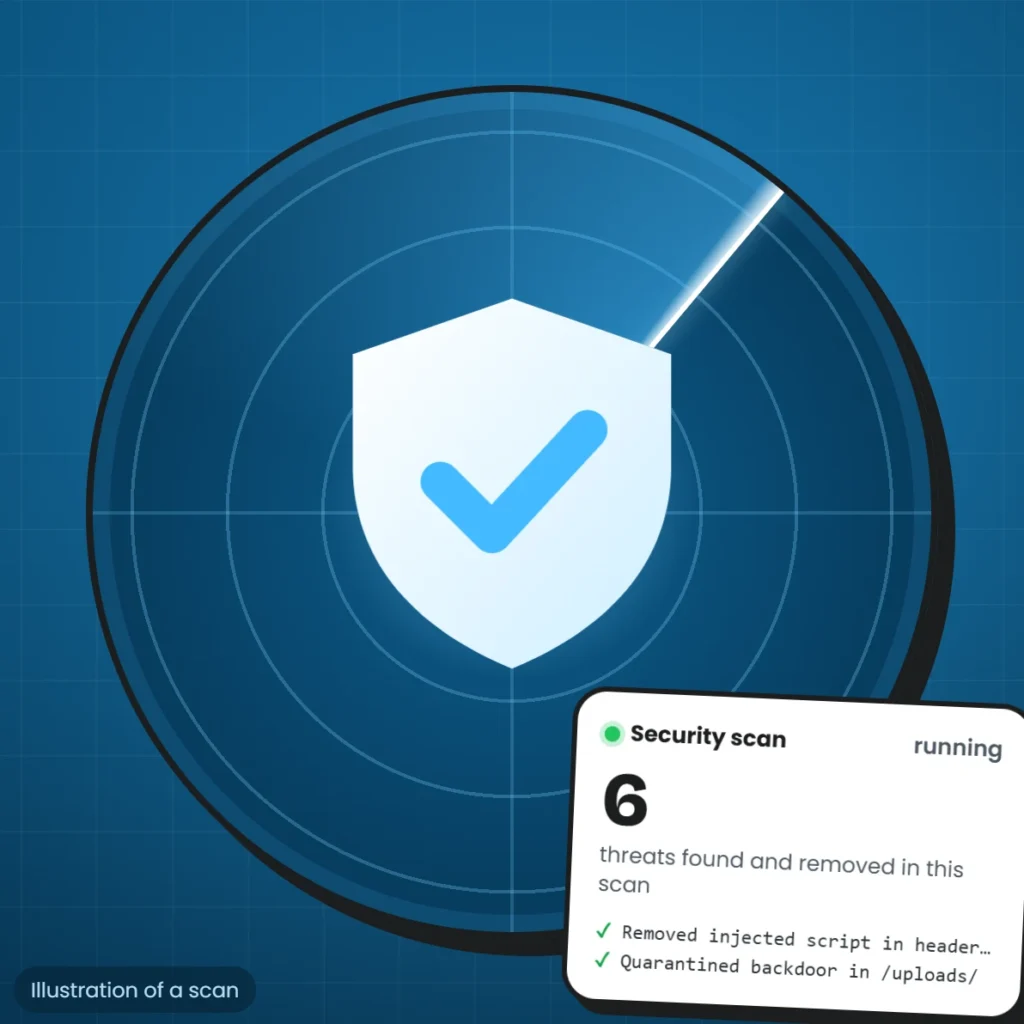
    WordPress website security illustration: a shield on a radar scanning a site for malware
    Illustration

    What we clean

    What WordPress malware removal includes

    The illustration shows a scan at work: each line on the card is a threat found and removed, such as an injected script, a backdoor hidden in the uploads folder or a malicious redirect. The lines are an example, not a real client site.

    A proper WordPress malware removal covers the files, the database and the way in. We clean infected core, theme and plugin files, injected code and spam in the database, hidden backdoors, rogue admin users and bad redirects, then update or remove the plugin or theme that let the attackers in. Google’s guide to hacked sites explains how a cleaned site gets its warning removed, and the WordPress hardening guide lists the steps that keep it clean.

    Further reading

    • Help for hacked sites (Google Search Central) (opens in a new tab)
    • Hardening WordPress (WordPress Developer Resources) (opens in a new tab)

    At a glance

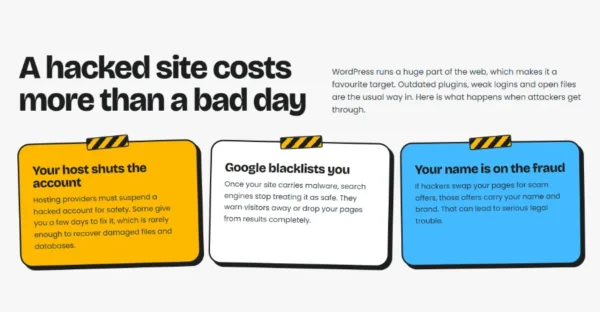
    • Preview of "A hacked site costs more than a bad day" on the Jompom WordPress security page
      A hacked site costs more than a bad day
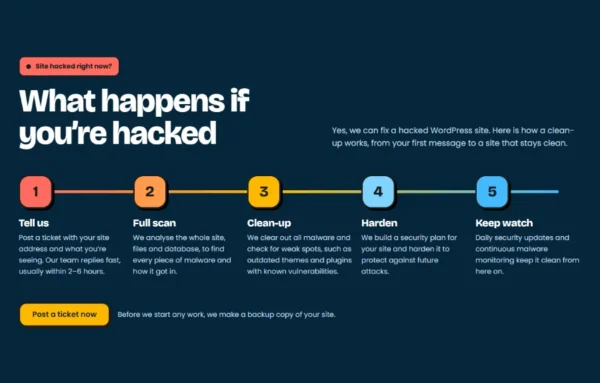
    • Preview of "What happens if you’re hacked" on the Jompom WordPress security page
      What happens if you’re hacked
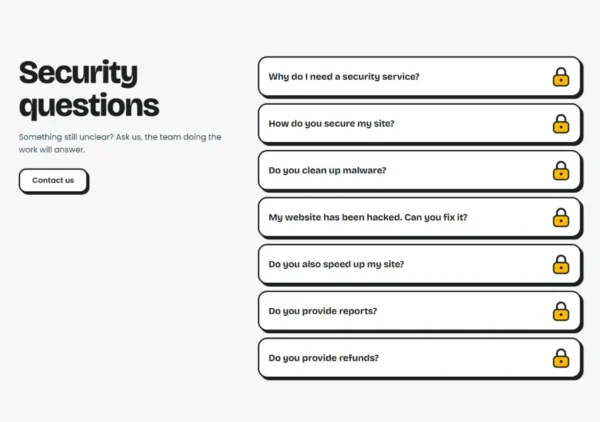
    • Preview of "Security questions" on the Jompom WordPress security page
      Security questions

    Clean once, or stay protected

    Order a one-off clean-up to fix a hacked site today. To keep it clean, every Jompom care plan includes security scans, updates and cloud backups every month.

    • Security scan
    • Uptime monitoring
    • Cloud backups
    • Core, plugin & theme updates
    • Report for every task
    • Email & chat support
    From$30a month, billed yearly
    See all plans

    One-off WordPress malware removal

    Malware removal, database security, bad-query blocking, hardening and a report of everything we found and fixed. Fixed price, paid once.

    $199one-off
    Order a clean-up

    WordPress malware removal questions

    Something still unclear? Ask us, the team doing the work will answer.

    Contact us

    A one-off clean-up is a fixed $199, paid once. It covers the scan, the malware removal, closing the way in, hardening and a report. If you’d rather we look after the site every month, our care plans include security scans, updates and backups.

    We usually reply within 2–6 hours and start with a full backup and scan. How long the clean-up takes depends on how badly the site is infected, so after the scan we tell you what we found and how long it will take.

    No. You install our small Jompom Care plugin and connect your site in about 2 minutes, then give us temporary access with one click. If the site is too broken to load WordPress, we tell you the safest way to give us server access.

    Once the site is clean, we help you request a review in Google Search Console. Google decides when to remove the warning; its guide says reviews for malware usually take a few days.

    A clean-up closes the hole the attackers used, but new weaknesses appear as plugins and themes age. Regular updates, scans and backups are what keep a site clean, which is why every Jompom plan includes them.

    If we can’t fulfil your order, we issue a full refund. Refunds aren’t available after delivery. See WordPress website security

    Jompom

    We safely update WordPress core, plugins and themes, and keep your site online, secure and fast.

    Services

    • Security
    • Malware removal
    • White label for agencies
    • Maintenance
    • WooCommerce care
    • Speed Optimization

    Useful links

    • FAQs
    • Pricing
    • Blog
    • Sample report
    • Terms
    • Privacy
    • Cookie policy
    • Accessibility

    Support

    • Post a ticket
    • Get started
    • Jompom Care plugin
    • Client portal
    • Contact us
    JOMPOM
    © 2026 Jompom.com. All rights reserved.WordPress care, 24/7.