We find the malware. We lock the doors.
Jompom handles WordPress website security from every side: we scan for and remove malware, harden your login, files and database, set up a firewall and watch your site around the clock, so hackers, bad bots and spam stay out.
- 12+ years of experience
- 60+ developers & web experts
- 24/7 priority support
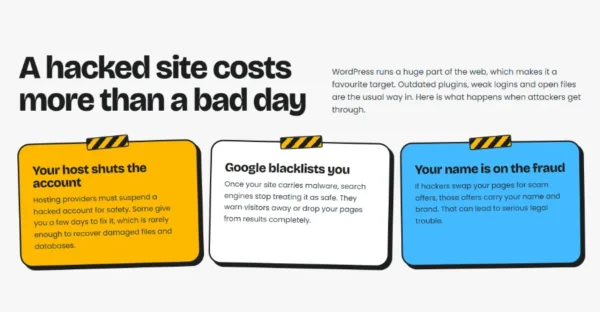
A hacked site costs more than a bad day
WordPress runs a huge part of the web, which makes it a favourite target. Outdated plugins, weak logins and open files are the usual way in. Here is what weak WordPress website security can cost you when attackers get through.
Your host shuts the account
Hosting providers must suspend a hacked account for safety. Some give you a few days to fix it, which is rarely enough to recover damaged files and databases.
Google blacklists you
Once your site carries malware, search engines stop treating it as safe. They warn visitors away or drop your pages from results completely.
Your name is on the fraud
If hackers swap your pages for scam offers, those offers carry your name and brand. That can lead to serious legal trouble.
Four layers of protection
Security plugins cover the basics. Real WordPress website security needs analysis and custom work, because every site is different. We treat each one as its own case.
- 01
Malware removal
We scan files and the database for malware, viruses and spam, clean out every trace and close the hole it came in through.
- 02
Hardening
We secure your login page, file system, database and .htaccess, add HTTP security headers and install an advanced firewall.
- 03
Security scanners
Scanners keep checking your site for threats, vulnerable plugins and loopholes, so problems are caught early.
- 04
24/7 monitoring
Uptime monitoring, continuous malware checks and daily security updates. If something changes, our team knows.

See it in action
What a WordPress website security scan finds
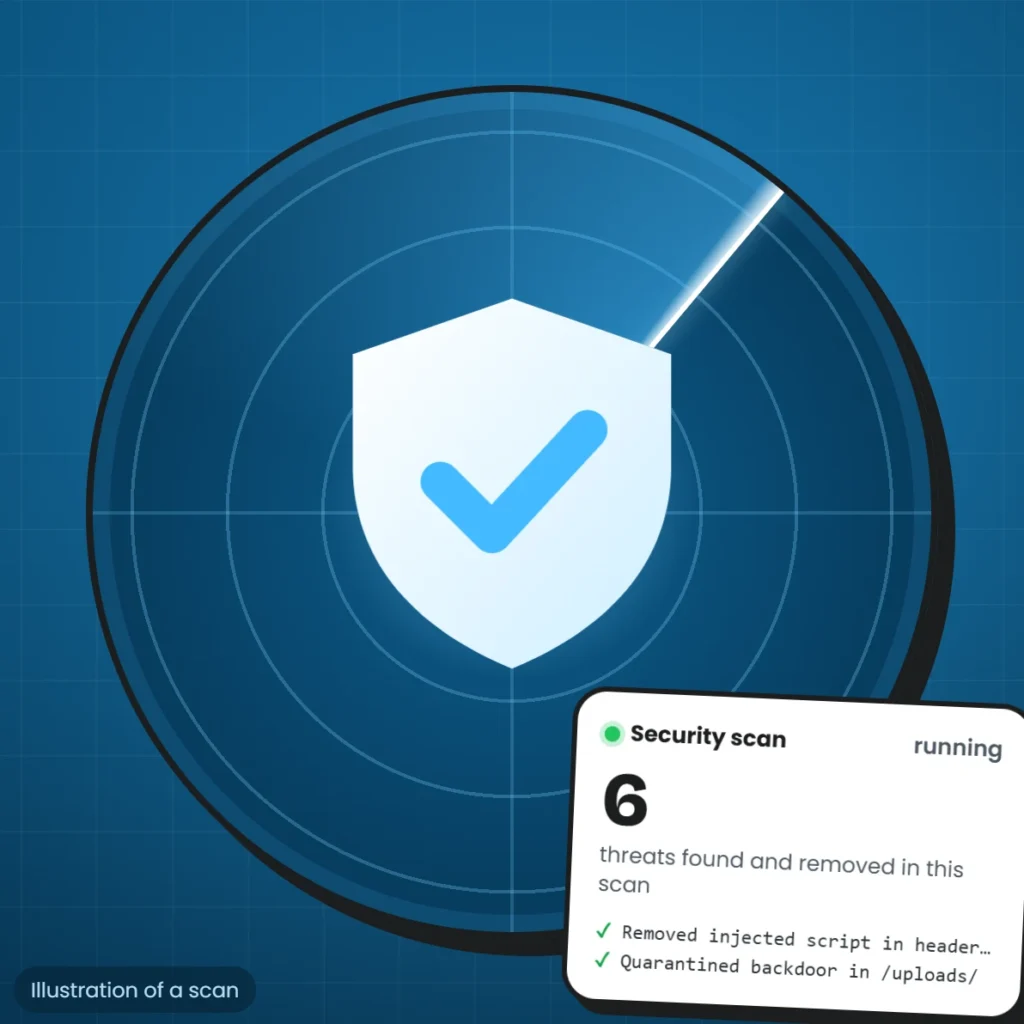
The illustration shows a security scan at work: the radar sweeps the site’s files and database, and each line on the card is a threat found and dealt with, such as an injected script or a backdoor hidden in the uploads folder. The numbers are an example, not a real client site.
A scan is only one part of WordPress website security. The WordPress hardening guide covers the basics every site needs, like keeping software updated, using strong logins and setting safe file permissions, and the OWASP Top 10 lists the most common web application risks, such as injection, that attackers try.
At a glance
A hacked site costs more than a bad day 
What happens if you’re hacked 
Security questions
Your hardening checklist
This is the work we do on a WordPress site to make it hard to break into. Watch it tick off: every item is part of our WordPress website security service.
All doors locked.
- Scan for malware, viruses and spam
- Conceal your WordPress
- Secure your login page
- Secure your database
- Secure your file system
- Secure your .htaccess file
- Set up backups
- Install and configure an advanced firewall
- Activate the 6G firewall rules
- Deny bad query strings
- Block hotlinks and fake bots
- Enable the advanced character string filter
- Add HTTP security headers
- Check your robots.txt file
- Protect against brute force attacks
- Protect against XSS and code injection
- Protect against spam comments and trackbacks
- Protect against denial of service (DoS) attacks
- Cloudflare CDN set-up optional
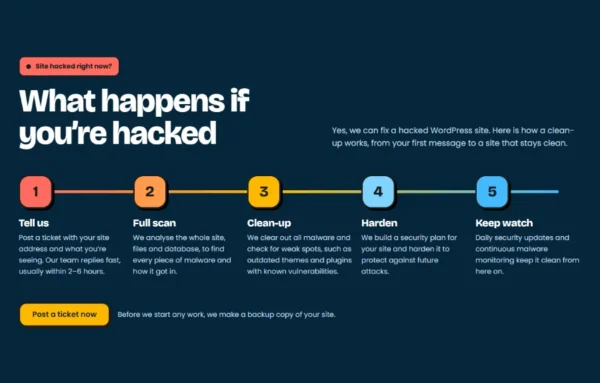
What happens if you’re hacked
Yes, we can fix a hacked WordPress site. Order a one-off clean-up for a fixed $199, or post a ticket if you want us to look first.
- 1
Tell us
Order a clean-up, or post a ticket with your site address and what you’re seeing. Our team replies fast, usually within 2–6 hours.
- 2
Full scan
We analyse the whole site, files and database, to find every piece of malware and how it got in.
- 3
Clean-up
We clear out all malware and check for weak spots, such as outdated themes and plugins with known vulnerabilities.
- 4
Harden
We build a security plan for your site and harden it to protect against future attacks.
- 5
Keep watch
Daily security updates and continuous malware monitoring keep it clean from here on.
Prefer to talk first? Post a ticket. Before we start any work, we make a backup copy of your site.
Security is part of every plan
Every Jompom care plan keeps your site protected month after month. Plans differ only in support hours.
- Security scan
- Uptime monitoring
- Cloud backups
- Core, plugin & theme updates
- Report for every task
- Email & chat support
One-off security clean-up
Backup first, malware and backdoor removal, database clean-up, closing the way in and hardening, help with Google’s review, and a report of everything we fixed.
WordPress website security questions
Something still unclear? Ask us, the team doing the work will answer.
Contact usSecurity plugins cover the basics, but without proper analysis and custom work your site won’t be properly secured. Every website is different, so we treat each one as a unique case and secure it the right way.
WordPress website security is a careful process of analysis and custom work. Along with lots of hands-on work, we use our own private security plugins to get the best possible result.
Yes. Our security team scans the site, clears out all malware and checks for weak spots such as outdated themes and plugins with known vulnerabilities. After the clean-up we put a security plan in place to protect your site against future attacks.
Yes. Post a ticket or order a one-off security clean-up and we’ll start with a full scan of your site. See WordPress malware removal
Yes. We also speed up your site and get the most out of its performance. See speed optimization
Yes. You get a report for every task, so you can see exactly what we changed and when. Our services are also white-labelled, so agencies can resell them.
If we can’t fulfil your order, we issue a full refund. Refunds aren’t available after delivery.