Skip to content
Jompom
ServicesAboutPricingWhy usFAQBlogContact
Client portalGet started
ServicesAboutHow it worksPricingWhy usFAQBlogContactClient portal

Category: Maintenance

How to Disable Auto-Updates in WordPress
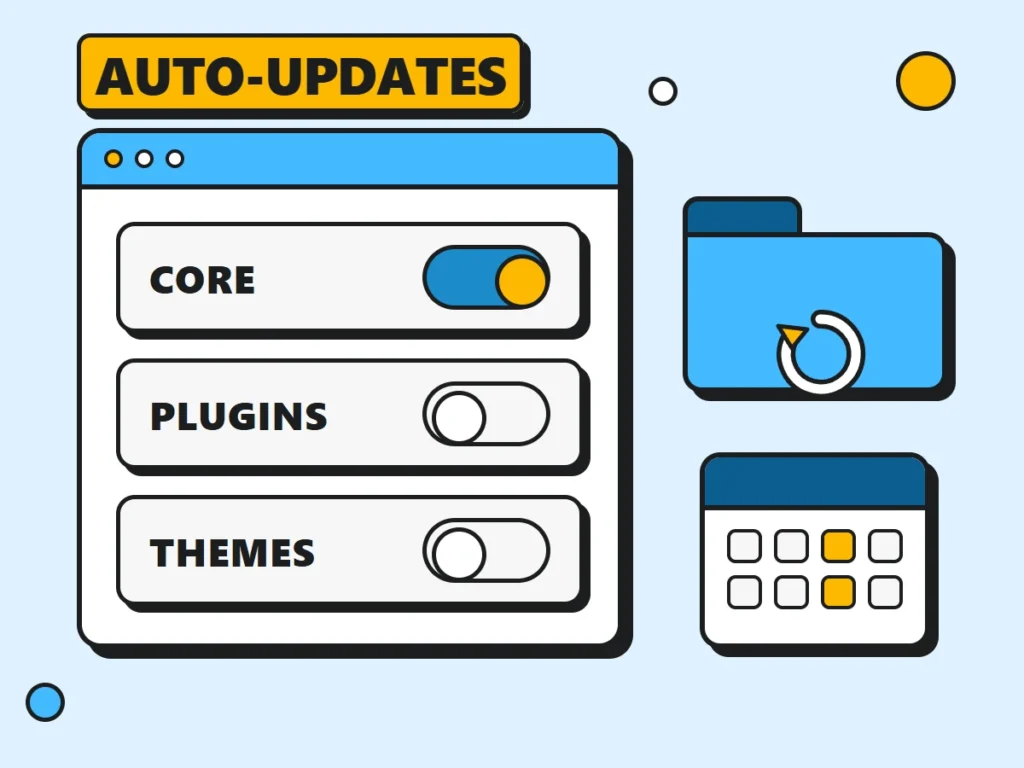
How to disable WordPress auto-updates: plugin and theme toggles switched off, core security updates left on, next to a backup folder

Turn off WordPress auto-updates for core, plugins and themes in minutes, then set up the safer middle ground that keeps security fixes flowing to your site.

How to Use WordPress Debug Mode to Fix Site Errors
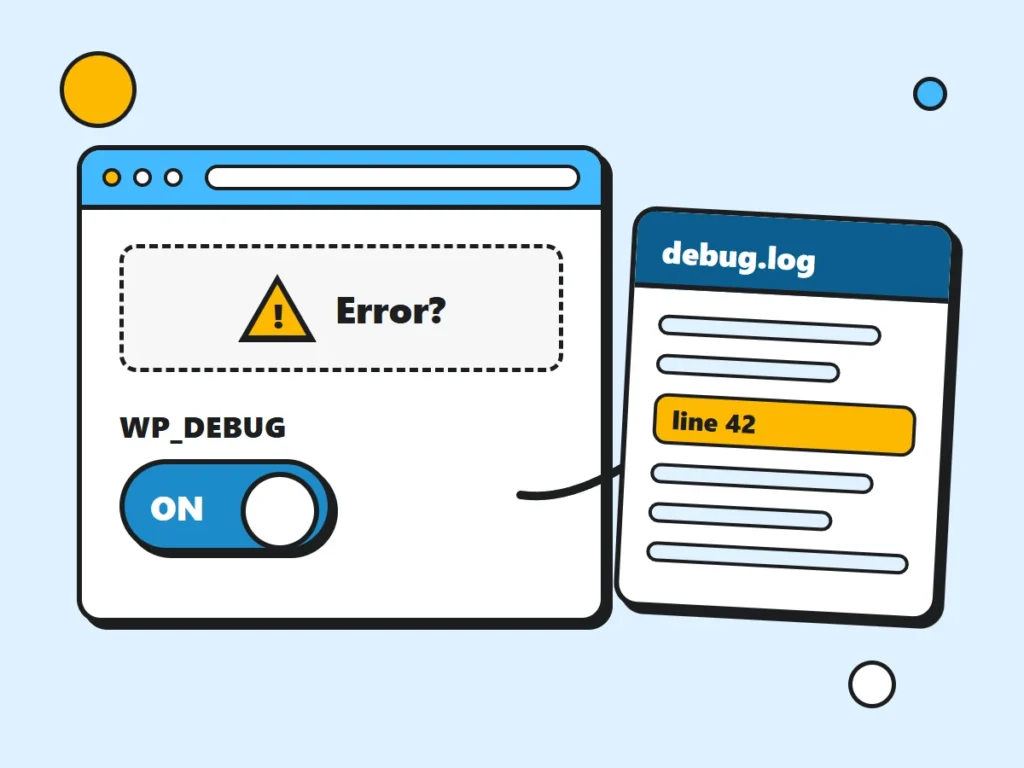
WordPress debug mode illustrated as a browser window with a debug toggle switched on and a log file pointing to the error line

WordPress debug mode turns a blank screen into an exact file and line number. Here’s how to switch it on safely, read debug.log and turn it off again.

Clone a WordPress Website in 7 Simple Steps
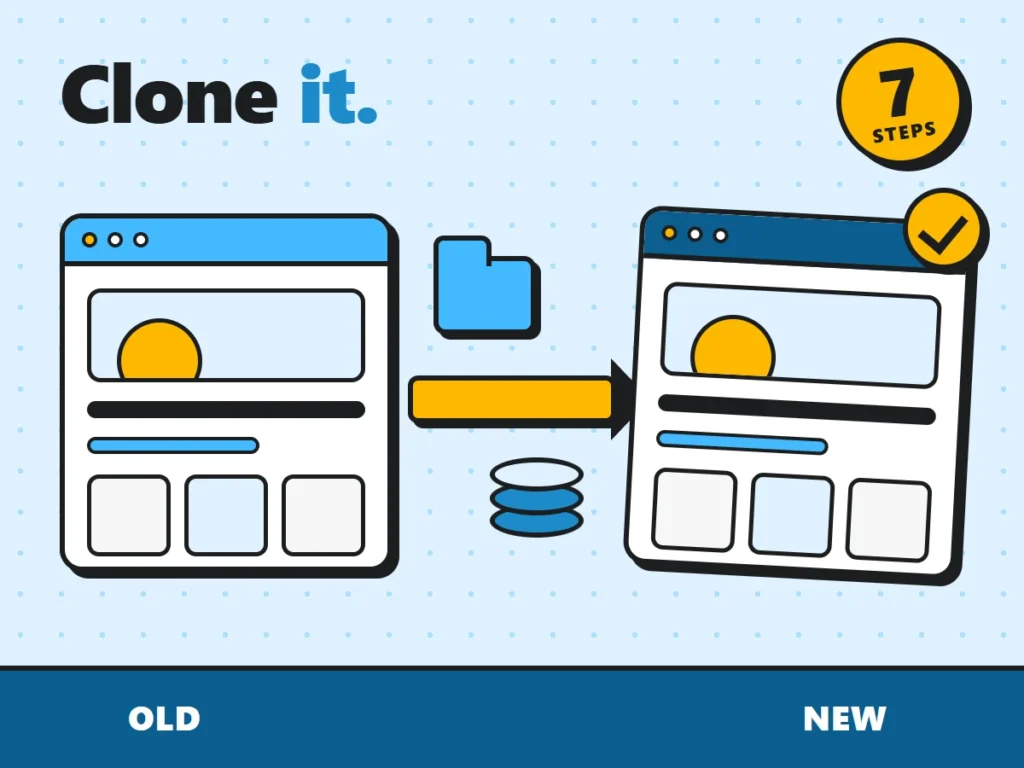
How to clone a WordPress site: the original site copied to a new browser window, with its files and database moving between them

Clone a WordPress site for staging, a new host or a new domain: copy files and database, replace URLs safely, and avoid the mistakes that break most clones.

How to Hide PHP Warnings and Notices in WordPress
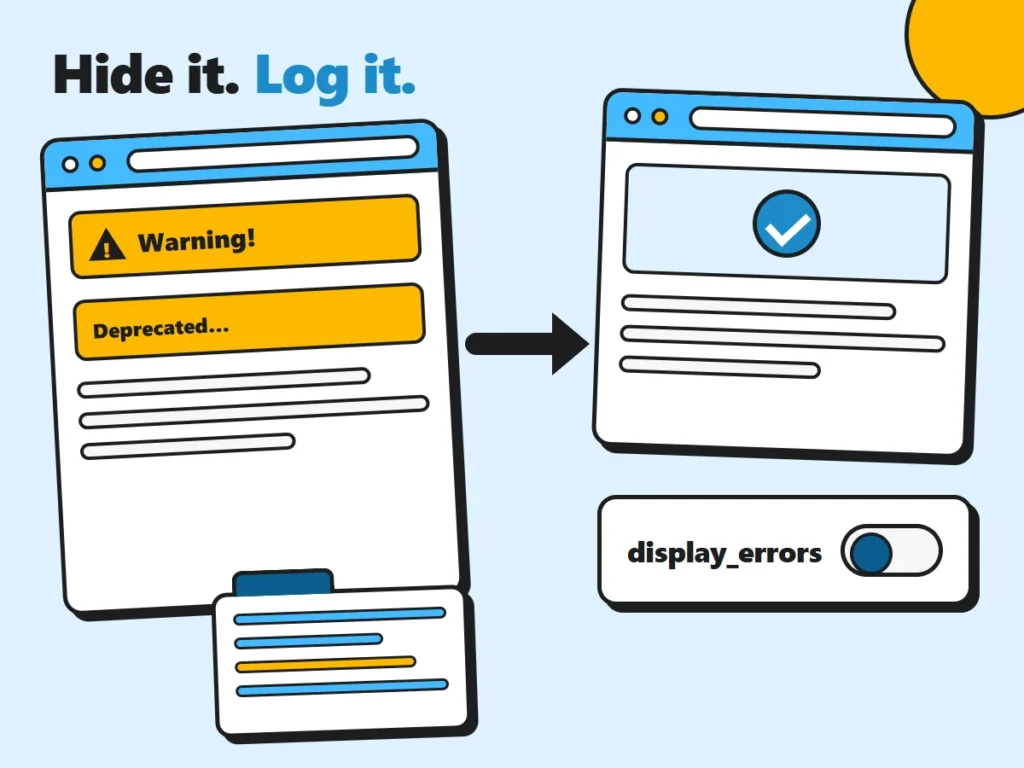
How to hide PHP warnings in WordPress: a page full of warnings becomes a clean page once display_errors is off and messages go to a log

Hide PHP warnings from visitors with wp-config.php or your host’s PHP settings, then use the error log to find and fix the plugin or theme behind them.

Jompom

We safely update WordPress core, plugins and themes, and keep your site online, secure and fast.

Services

  • Security
  • Maintenance
  • WooCommerce care
  • Speed Optimization

Useful links

  • FAQs
  • Pricing
  • Blog
  • Terms
  • Privacy
  • Cookie policy

Support

  • Post a ticket
  • Get started
  • Client portal
  • Contact us
JOMPOM
© 2026 Jompom.com. All rights reserved.WordPress care, 24/7.