7 WordPress Security Tricks to Keep Your Website Protected
WordPress is popular, so hackers target it. Most threats can be stopped with seven simple habits: SSL, login limits, strong passwords, updates, backups, a firewall and a custom login URL.
How to Clear the WordPress Cache (Tutorial + Plugins)
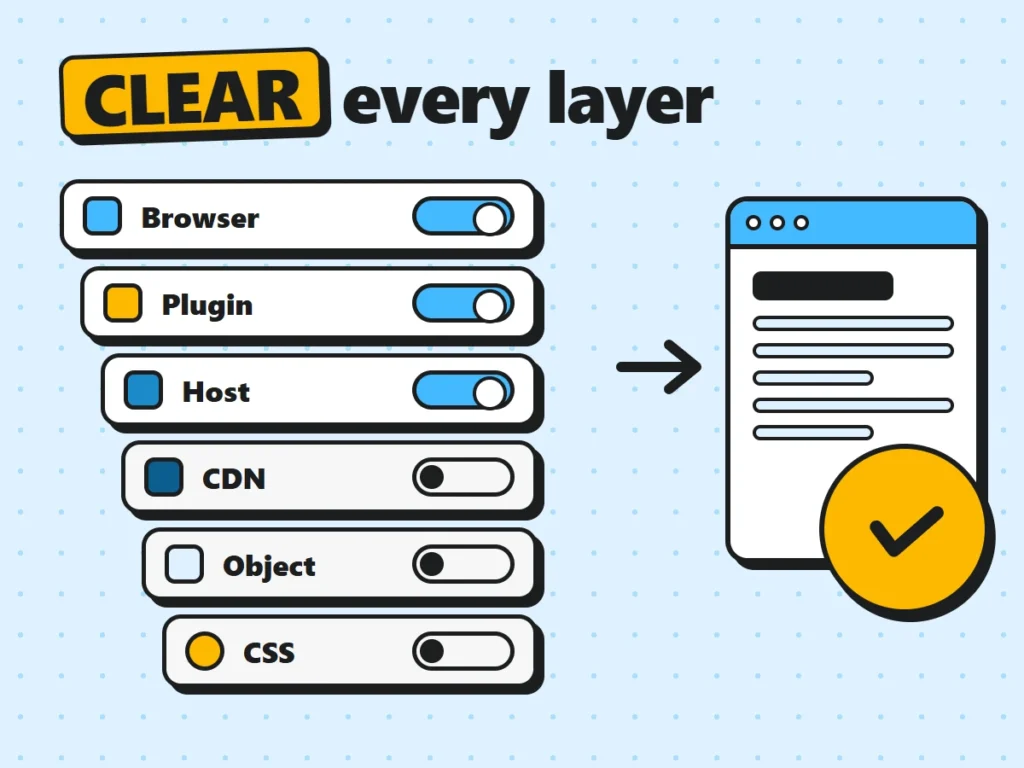
Changes not showing? Clear WordPress cache layer by layer: browser, cache plugin, host, CDN, object cache and Elementor CSS, and know when not to.
How to Use WordPress Debug Mode to Fix Site Errors
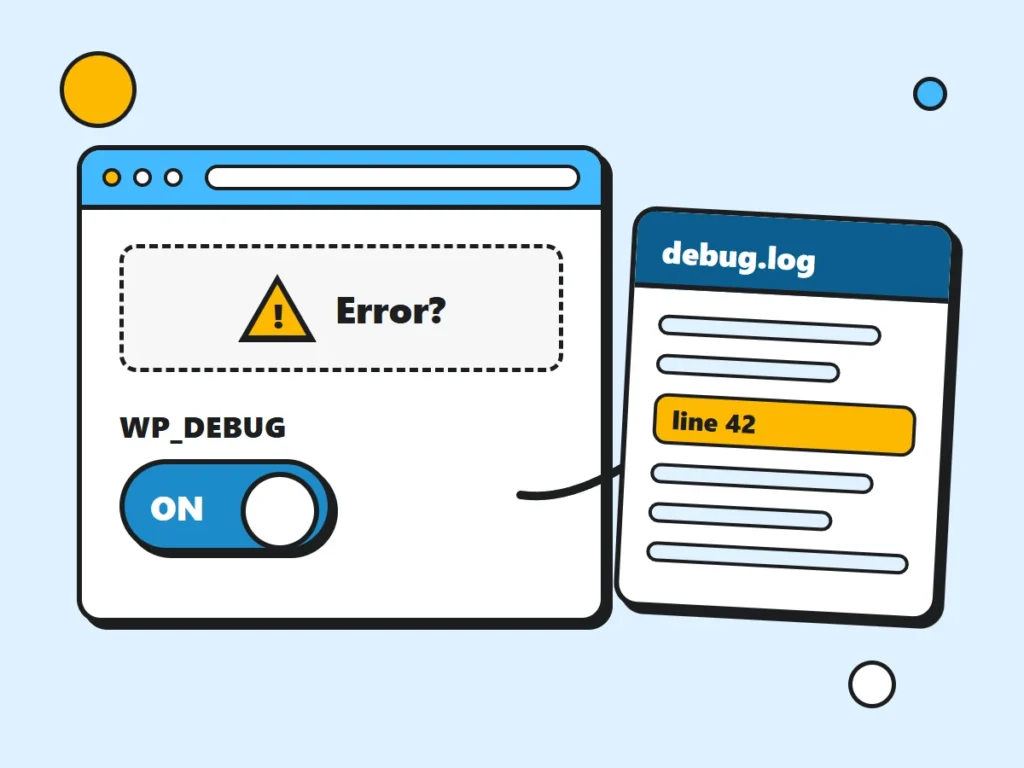
WordPress debug mode turns a blank screen into an exact file and line number. Here’s how to switch it on safely, read debug.log and turn it off again.
Clone a WordPress Website in 7 Simple Steps
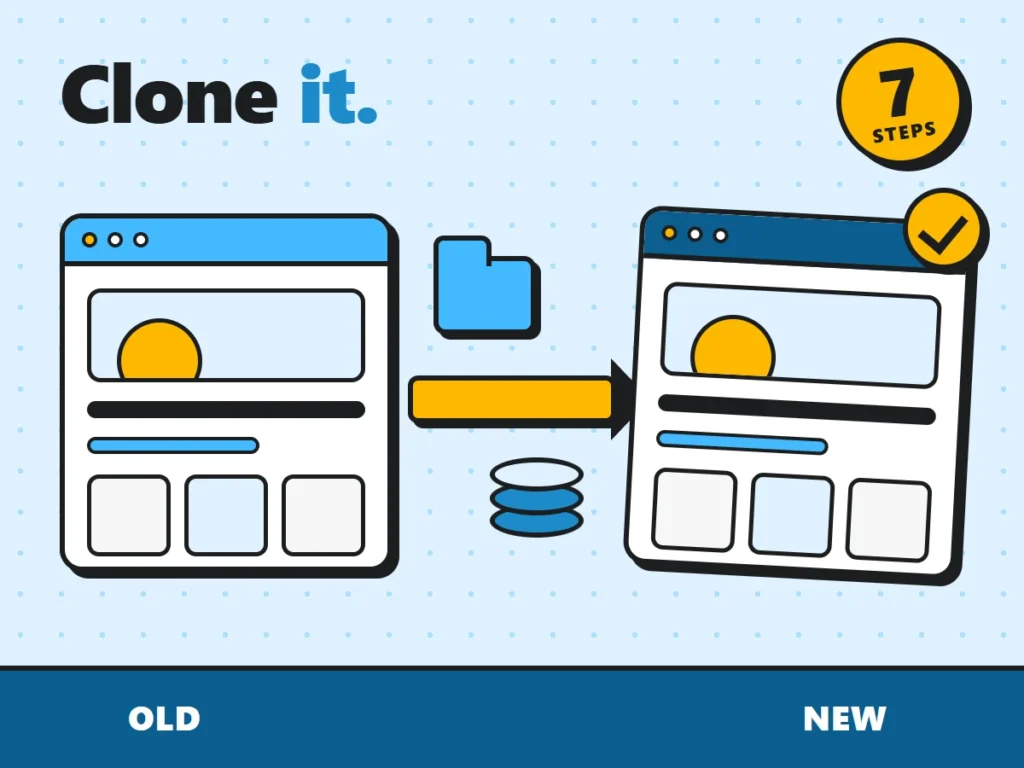
Clone a WordPress site for staging, a new host or a new domain: copy files and database, replace URLs safely, and avoid the mistakes that break most clones.
How to Hide PHP Warnings and Notices in WordPress
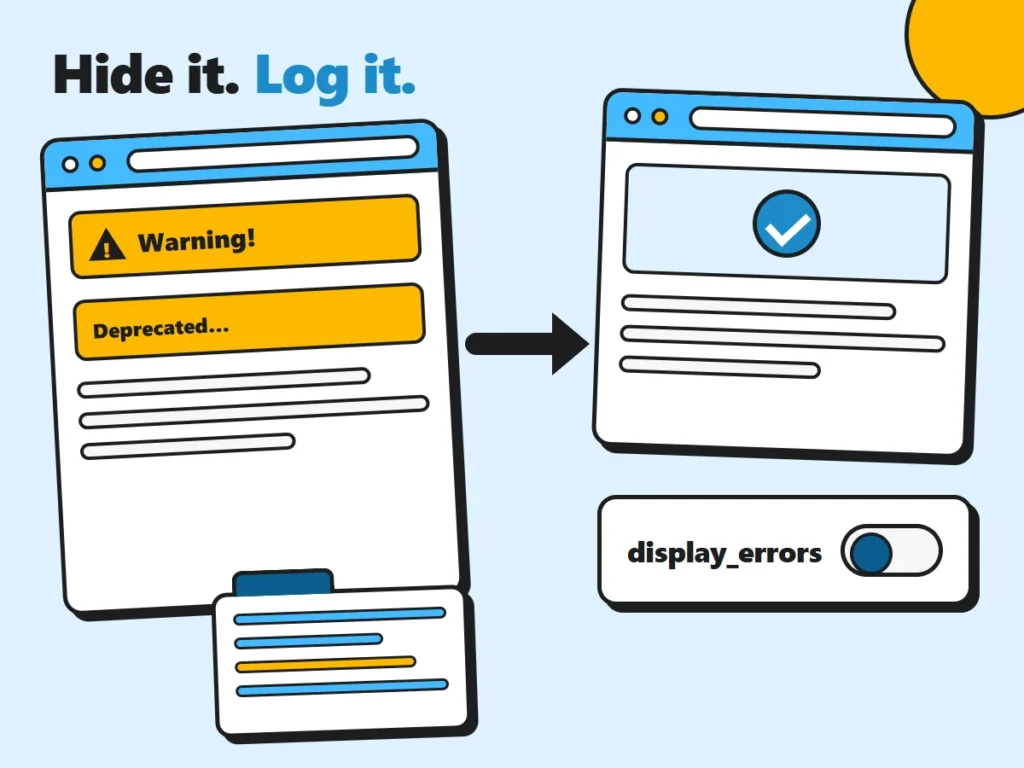
Hide PHP warnings from visitors with wp-config.php or your host’s PHP settings, then use the error log to find and fix the plugin or theme behind them.
Easy Ways to Add an FAQ to Your WooCommerce Store
Cut support emails and returns with a WooCommerce FAQ. Here’s what to answer, three easy ways to add it, and what FAQ schema still does in 2026.
How to Move From Wix to WordPress
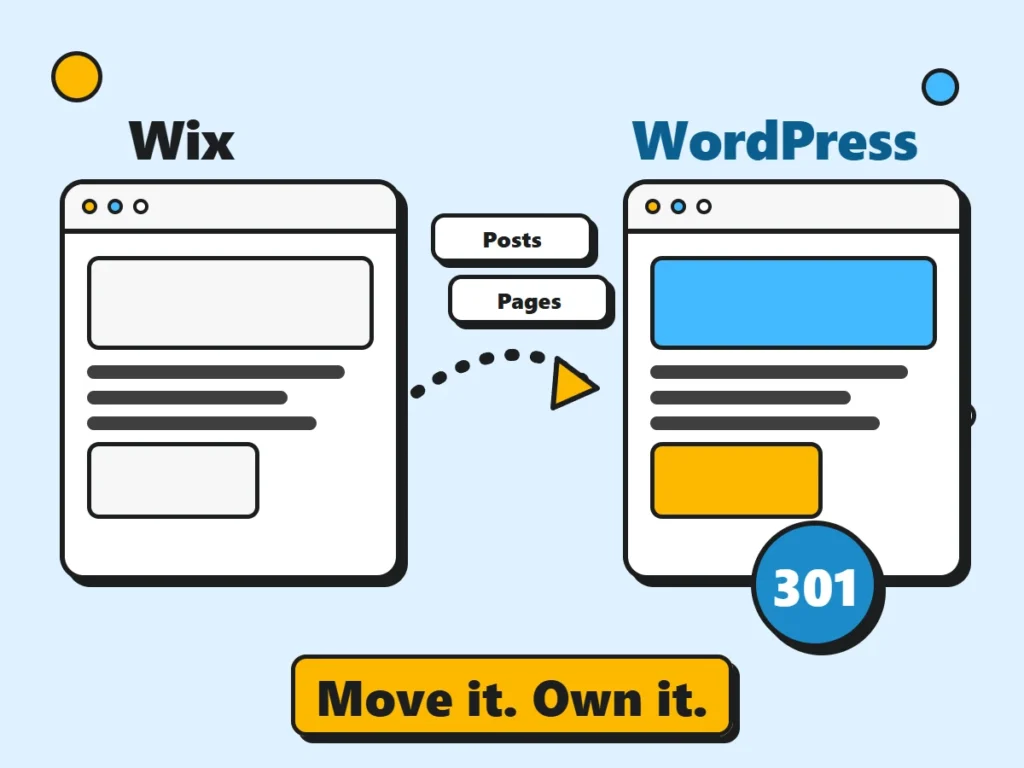
There’s no one-click export from Wix to WordPress. Here’s how to move your posts, pages, store and domain, and keep your Google rankings with 301 redirects.
6 Best File Upload Plugins for WordPress (Free & Paid)
Six WordPress file upload plugins compared, with what to look for (limits, storage, spam, GDPR) and simple security tips for accepting files safely.
How to Build a Survey Website with WordPress
A step-by-step guide to building a survey website with WordPress, from planning good questions to consent, sharing the survey and exporting results to CSV.